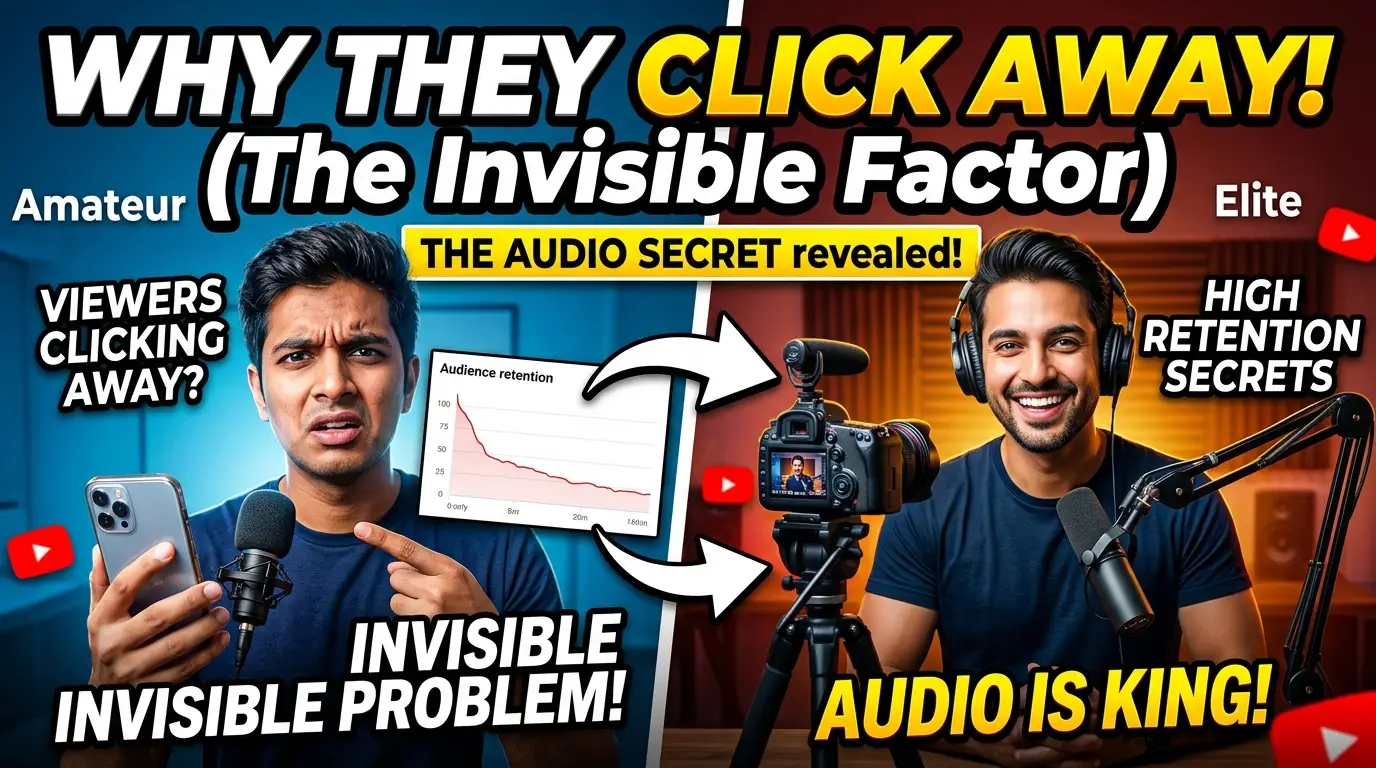
Here is the single most overlooked technical flaw on YouTube — the one that silently destroys a video's potential, no matter how beautiful the footage looks. It is not your thumbnail. It is not your editing. It is not even your script.
It is your audio.
Your viewers cannot explain why they leave. They will not leave a comment saying "your voice sounds hollow and the background music is drowning you out." They will simply click away, and the retention graph will drop, and you will spend weeks rewriting your hook and redesigning your thumbnail, convinced the problem is content. It is not content. It is a sound problem that your eyes can never see.
Every amateur Canadian and US YouTuber makes the same mistake: they invest thousands in cameras while their audio is recorded on a microphone that adds echo, compression artifacts, and background noise that slowly makes the viewer's brain work harder to understand. And the moment the brain works harder to listen, it decides to leave.
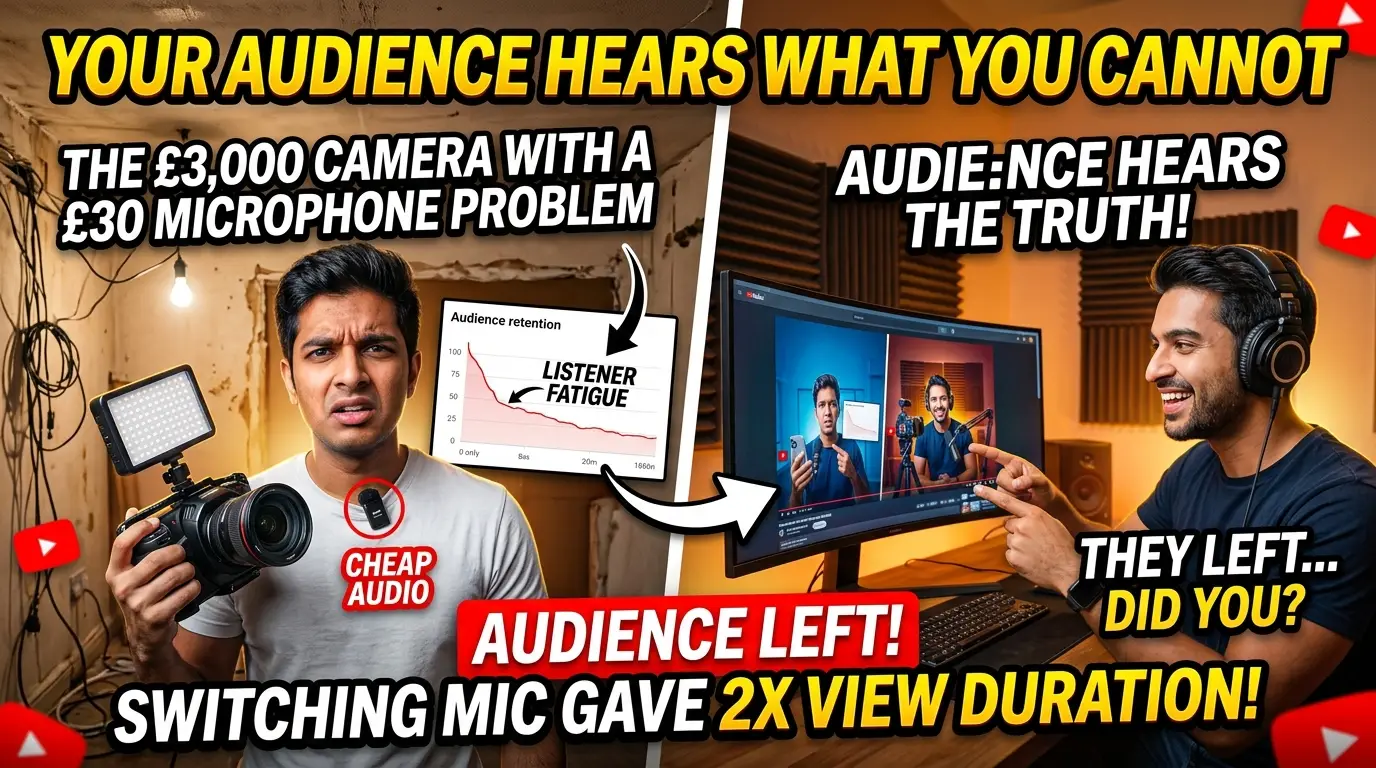
The £3,000 Camera With a £30 Microphone Problem
This is the irony that dominates YouTube right now. Creators spend three or four thousand pounds on a cinema-grade camera, a set of professional lenses, and studio lighting — and then record their voice through a £30 USB microphone clipped to their collar, in a room with no acoustic treatment.
The footage looks incredible. The audio sounds like it was recorded in a bathroom.
And the worst part? You do not notice it. Because you recorded it, you heard it during editing, you calibrated to your own environment, and your brain adjusted. You watched the whole video and thought it sounded fine. Your audience's brain did not adjust. It heard the echo, strained to compensate, and left.
"I switched from a £15 lavalier to a £200 shotgun mic with no other changes — same lighting, same script, same camera, same editing style. My average view duration went from 2:48 to 6:14 in two weeks. I did not change my content. I changed the invisible layer my content was delivered through."
— US tech creator, 890K subscribers
Your Audience Hears What You Cannot
There is a reason audio professionals talk about the "acoustic blind spot": you become deaf to the flaws in your own recording because you live in the room where you recorded it. Your brain builds a correction filter around the echo, the hum, the room tone — and then assumes everyone hears what you hear. They do not. They hear the flaw. And the flaw is exhausting.
The technical word is listener fatigue. When your audio has echo, uneven compression, inconsistent volume, or background noise, the viewer's brain expends energy to separate your voice from the interference. Every second of mental effort is a second of irritation. The viewer will not think "this audio is bad." They will think "I just don't want to watch this." And they will leave.
The 8-Second Audio Exit: Why Bad Audio Kills Faster Than Bad Content
Here is what the data proves, and what most creators refuse to believe: viewers decide to leave based on audio quality faster than they decide based on content quality. Bad writing might hold someone for 30 seconds. Bad audio makes them leave in 8.
The reason is neurological. Your brain processes auditory information before visual information. Before the viewer has even registered how good your 4K footage looks, their auditory cortex has already flagged the echo in your voice as "effortful to listen to." That flag is not a conscious decision. It is a survival mechanism — humans evolved to treat unclear audio as a signal that something is wrong. And "something is wrong" means leave.
This is why "why do viewers click away from 4K videos" is one of the most searched questions among creators. And this is why the answer is not in your content, your script, or your editing. The answer is always in the audio.
How Quickly Bad Audio Kills Retention
- 0–5 seconds: the viewer hears echo or room noise. The subconscious flag is raised. Retention drops 12-18% before your hook even lands.
- 5–15 seconds: compression artifacts start to fatigue the listener. If the volume is uneven, each loud-soft cycle adds a micro-irritation.
- 15–30 seconds: if your voice sits below or above the background noise floor, the brain is now actively working to separate signal from noise. This is the cliff.
- 30+ seconds: the viewer has left. Your retention graph shows a steep drop. You will assume the hook was bad. It was not.
The audio was the hook's killer.
The Background Music Trap: Drowning Your Own Story
This is the audio mistake that even experienced editors make constantly, and it is the most damaging to retention: background music that drowns out the storytelling.
You pick a track because it sets the right mood. You drop it under your voice. It sounds great in isolation. But you are listening on studio headphones with an already-processed voiceover. The viewer is listening on phone speakers, AirPods, or laptop speakers — and the music is fighting your voice at every moment.
The technical problem is called masking: when two sounds occupy the same frequency range, the louder one covers the other. Music and human voice overlap in the critical 1kHz–4kHz range — the exact range where voice intelligibility lives. If your music is even 3-4 dB above your voice in that range, your audience is working to hear you over the soundtrack. And the harder they work, the sooner they leave.
| Music Level | Voice Clarity | Viewer Experience | Retention Impact |
|---|---|---|---|
| -18dB to -20dB below voice | Perfect clarity | Voice is effortless to follow | Strong retention |
| -12dB to -15dB below voice | Slightly masked | Noticeable on phone speakers | Moderate drop-off |
| -8dB to -11dB below voice | Partially masked | Brain struggles to separate signal | Strong cliff |
| At or above voice level | Drowned | Immediate frustration and exit | Retention collapses |
The difference between an amateur and an elite YouTube video is often not what is being said. It is how audible it is. Fix the balance, and retention rises without changing a single word of your script.
The Invisible Waveform: What Your Audio Actually Sounds Like
Here is the problem: even when you fix these issues, you are fixing them with your ears in your room — which, as we established, is the wrong reference point. And if you do not know which moments of your audio are fatiguing to listen to, you cannot fix them.
This is the gap where data beats intuition. Your retention graph shows when people leave. It cannot tell you why. A retention cliff at second 45 could be a bad hook. It could also be the moment your voice echoed during a pause, or the moment the background music swelled and drowned your story. Your graph cannot tell you which it is.
Unless your graph is paired with an audio-aware analysis. And that is exactly what does not exist in any YouTube analytics tool on the market today — except one.
The audio retention link
How Virality Labs Fixes Your Sound Profiles
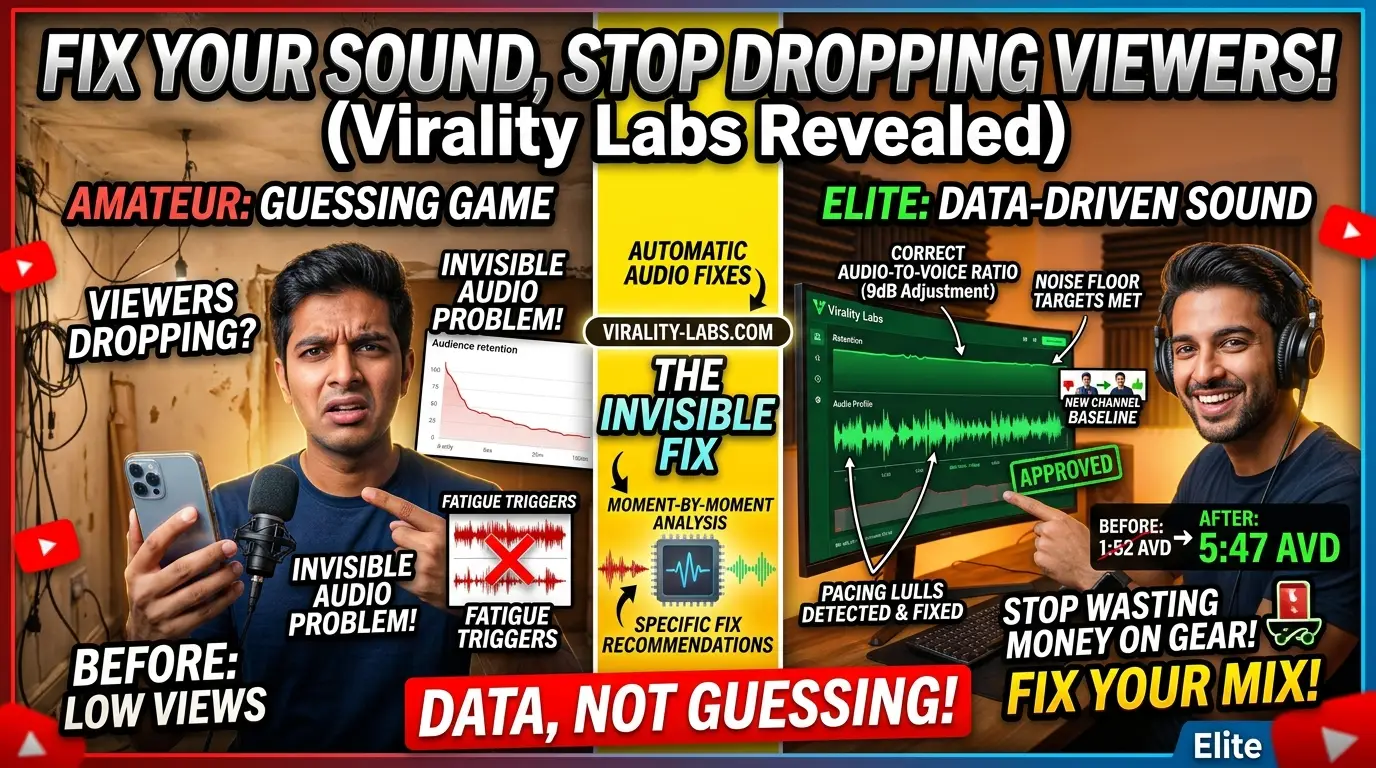
This is where you stop guessing and start seeing. Virality Labs was designed to analyze retention alongside the hidden structural signals that your analytics cannot show you — and audio-to-voice imbalances are one of the most powerful predictors of early drop-off.
Here is what happens when you run your video through virality-labs.com:
Multi-Layered Audio Engagement Analysis
Virality Labs does not just "hear" your audio. It maps your audio profile against your retention curve and identifies the exact moments where audio fatigue triggers viewer exit:
- Audio-to-voice ratio flagging: The platform detects when your voice sits too close to the background noise floor, when music masks speech, or when room echo exceeds a fatigue threshold
- Pacing lull detection: Identifies silent gaps, volume inconsistencies, and unprocessed room tone that create listener fatigue — even when the script is engaging
- Moment-by-moment drop-off correlation: Cross-references your audio profile with your retention graph to pinpoint exactly which audio moments are costing you viewers
- Fixable sound profile recommendations: Not "improve your audio" — but specific, measurable adjustments: voice compression levels, music balance ranges, noise floor targets
The result is a sound profile specific to your channel and your recording environment. You do not need a professional studio. You do not need a £500 microphone. You need the correct data about what your audio is doing to your viewers — so you can fix what actually matters and stop wasting money on gear that does not solve the real problem.
The invisible fix that changes everything
The Invisible Quality Layer
What separates elite YouTubers from amateurs is not the camera. It is not the lighting. It is not even the script. It is the invisible layer of production quality — the audio fidelity, the mixing, the room treatment, the compression settings — that makes a video feel effortless to watch. Elite videos feel "better" without anyone being able to explain why. That "why" is always the audio.
Virality Labs makes this invisible layer visible. Every video you analyse builds your channel's audio baseline — and every future edit can be tested against that baseline before it reaches your audience.
Your Audio Retention Blueprint
Here is exactly what to do — using data instead of intuition, and virality-labs.com instead of spending months on trial and error:
Run your last three videos through virality-labs.com
Upload each video and review the audio-to-voice ratio flags, pacing lull detections, and retention correlation. This is your baseline — the invisible layer exposed.
Identify your biggest audio leak
Find the single highest-impact audio issue flagged in the analysis. Is it echo, music balance, volume inconsistency, or compression? Fix that one thing first.
Adjust and re-analyse
Make the adjustment, re-run the video through virality-labs.com, and see the projected retention improvement. You are now fixing with certainty instead of guessing.
Build your sound profile baseline
As you upload more videos, your sound profile baseline evolves. Every future edit is tested against it automatically. No headphones needed. The data does the listening.
Scale the invisible quality
With your audio baseline established, hand your editor the target sound profile. They no longer need your ears — they have your baseline. Quality scales. You stay creative.
The Bottom Line
Your audio is destroying your retention. You cannot see it. You cannot hear it. Your retention graph will never tell you. And every week you spend "improving your content" while ignoring the invisible layer is a week of lost viewers, lost revenue, and lost growth.
The difference between an amateur and an elite YouTube video is not the footage. It is the sound. The difference between a video that holds a viewer for 10 minutes and one they abandon in 8 seconds is often a single dB adjustment in the background music, a single echo reduction in the recording space, a single compression fix in the voice track.
You can keep spending thousands on cameras and wondering why viewers leave. You can keep blaming your hooks while your audio silently poisons them.
Or you can go to virality-labs.com right now, upload your last video, and see exactly where your audio is losing your audience — in data, in seconds, without guessing. The invisible layer is no longer invisible. Stop taking the headache of figuring it out alone. Let the platform do the listening.
Find out where your audio is silently killing your retention — upload your video to virality-labs.com in under 60 seconds.