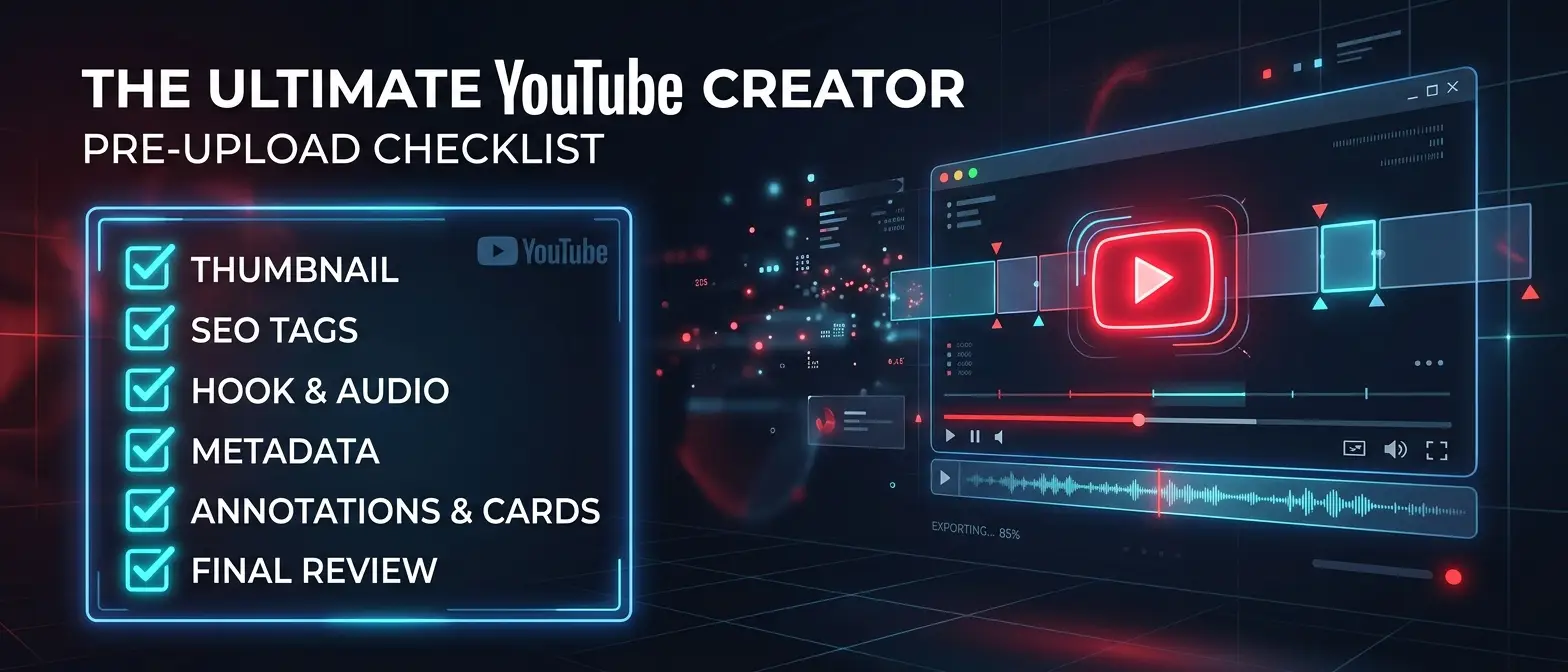
The difference between a video that gets 500 views and one that gets 500,000 is rarely the editing. It's rarely even the content. More often than not, it's everything that happens between finishing the edit and hitting publish.
Top creators in the USA, UK and Canada treat the pre-publish phase as a distinct, disciplined process. Here are the 12 things that should happen before every single upload — with an interactive checklist you can tick off as you go.
The Interactive Pre-Upload Checklist
Tick each item as you complete it. The progress bar will track your readiness score.
YouTube Pre-Upload Checklist
0/12 doneDeep Dive: The 12 Checks Explained
1. The Hook Match Test
Read your title. Look at your thumbnail. Then watch the first 10 seconds of your video. Do all three tell the same story? If your thumbnail promises a dramatic reveal and your video opens with a slow intro — you've already lost the viewer before they've had a chance to decide to stay.
2. The 5-Second Cold Watch
Close the edit. Come back fresh. Watch the first 5 seconds as if you've never seen the video. Ask: "If I were scrolling and this appeared, would I keep watching?" If the answer isn't an immediate yes — your hook needs work.
The Stranger Test
3. Thumbnail Review
Zoom your thumbnail out to 120×67px — the size it appears on mobile. Does the focal point still read clearly? Is the text still legible? If it's muddy or illegible at small sizes, it needs a redesign. Mobile is where most viewers first encounter your thumbnail.
4. Title Optimisation
Run your title through a quick three-point check:
- Does it contain a specific number, name, or result?
- Is it under 60 characters? (Count them — don't estimate)
- Does it create a curiosity gap, or does it give everything away?
5. Description First 2 Lines
YouTube shows the first 2 lines of your description in search results and on mobile — without requiring a "show more" click. These lines need to work as standalone copy: compelling, keyword-relevant, and specific. Don't waste them on generic intros.
6. Chapters
For any video over 6 minutes, chapters are non-negotiable. They improve retention (viewers can navigate to the most relevant section), improve search (chapter titles are indexed by Google), and signal content quality to the algorithm.
7. Cards and End Screen
A video without cards or an end screen is a viewer you're letting walk out the door. At minimum: one card pointing to a related video (place it at a natural transition point, not randomly) and an end screen CTA to the most relevant video on your channel.
8. Tags
Tags have minimal direct impact on recommendation but do affect search discovery. Use 5–8 highly specific tags: your primary keyword, 2–3 close variants, and your channel name. Never use irrelevant trending tags — it signals low quality to the algorithm.
9. Viral Score Analysis
This is the most impactful check on the list. Before publishing, run your video through Virality Labs and check your Viral Score. If it's below 70, review the ranked fixes — the top 2–3 changes are almost always achievable before upload day.

10. Publish Time
Refer to the optimal publish windows for your market:
- USA: Tuesday–Thursday, 2–4pm EST
- UK: Tuesday–Thursday, 4–7pm GMT
- Canada: Tuesday–Thursday, 2–4pm EST
- All three markets: Wednesday, 3pm EST / 8pm GMT
11. Community Post
Draft a community post before publish day. Keep it short: one compelling sentence about what the video delivers + a direct link. Post it within 5 minutes of the video going live. This seeds your notification feed with an additional touchpoint.
12. Pinned Comment
A pinned comment serves two purposes: it's an engagement signal (early comment = activity), and it can direct new viewers to context or related content. Write it before you publish. Pin it within 2 minutes of going live. A good format: a single key insight from the video + a question to viewers.
The Time Investment
Done properly, this checklist takes 45–60 minutes. That's the price of maximising a video you may have spent 4–8 hours creating. The creators who skip it are gambling with their production time. The ones who follow it are investing 10% extra effort for a 2.3x average performance lift.
"I used to spend 12 hours on a video and 2 minutes on the upload. Now I spend 12 hours on the video and 1 hour on the launch. The ratio changed everything."
— UK finance creator, 670K subscribers
Step 9 in 60 seconds — get your Viral Score and ranked fixes before every upload.