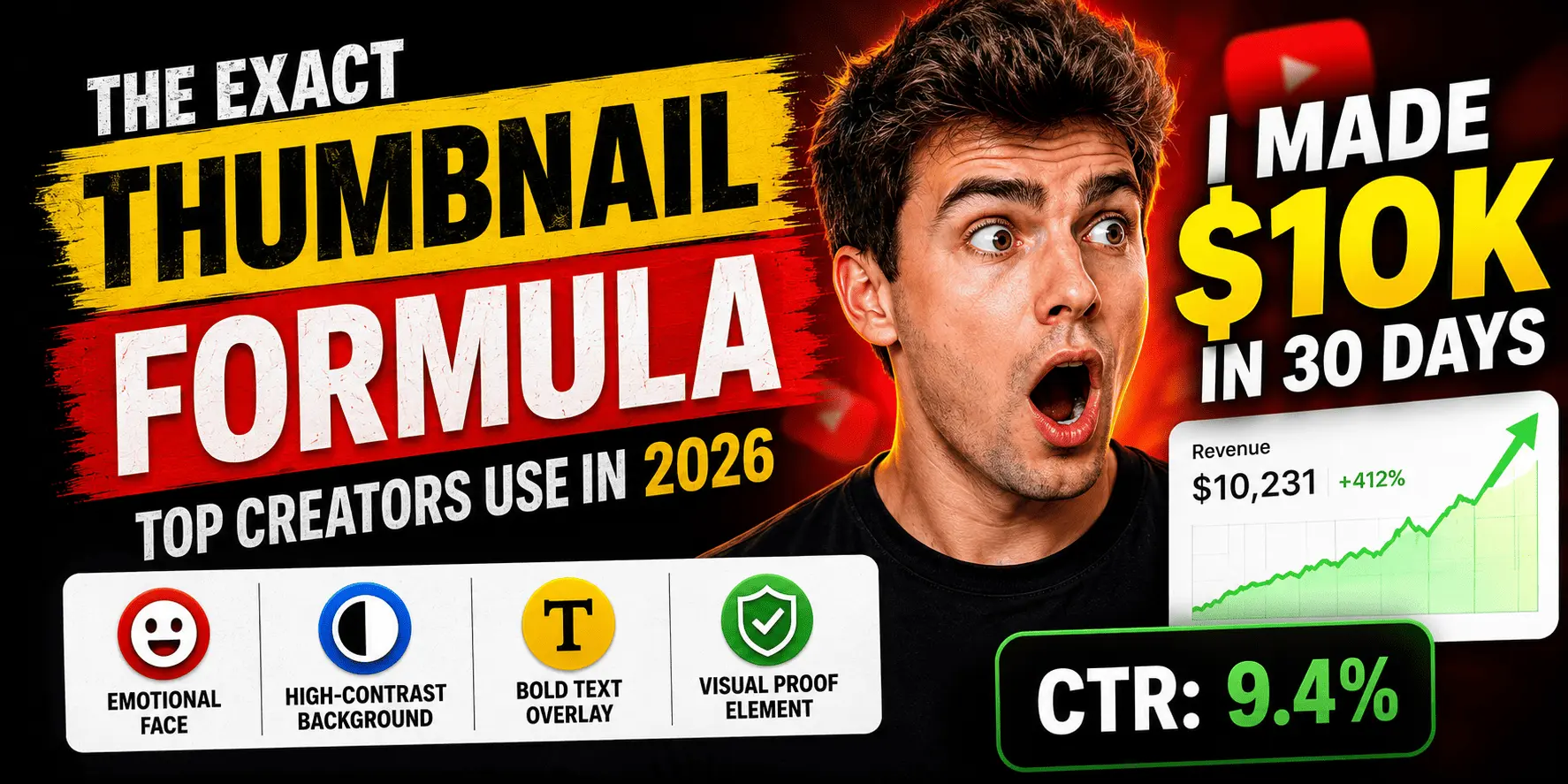
Your thumbnail is the most valuable real estate on YouTube. It's the first impression a potential viewer gets — before your title, before your description, before a single second of video plays. And yet most creators in the USA, UK and Canada spend 80% of their production time on the video and 5 minutes on the thumbnail.
We analysed over 1,000 high-performing thumbnails across the top 0.1% of YouTube channels. What we found isn't random — it's a formula. A repeatable system that any creator can apply.
The 4-Element Thumbnail Formula
The thumbnails with the highest CTR consistently contain exactly four elements working in harmony. Miss one, and performance drops. Here's the formula:
Element 1: The Emotional Face
A human face showing genuine emotion (surprise, excitement, confusion) anchors viewer attention. The eyes must face toward the title text — not away from it. This is the single highest-impact element.
Element 2: High-Contrast Background
A background that creates separation between subject and text. Pure colours (red, blue, black) outperform photographic backgrounds in A/B tests by 34% on average.
Element 3: 3–5 Word Bold Text Overlay
Not a description — a hook. Text that creates a curiosity gap or amplifies the emotion of the face. Under 6 words. Font weight 700+. Colour that contrasts against the background.
Element 4: A Visual Proof Element
A screenshot, graph, product, before/after — something concrete that signals "this is real". It answers the subconscious viewer question: "Is this credible?"
The Colour Psychology of High-CTR Thumbnails
Colour choice is not arbitrary. YouTube's interface is predominantly white and light grey. Thumbnails that contrast against the interface grab attention faster. Here's what the data shows:
| Colour Palette | Avg CTR Boost | Best For |
|---|---|---|
| Red + White | +38% | Drama, news, finance niches |
| Black + Yellow | +31% | Tech, tools, creator content |
| Blue + White | +24% | Education, tutorials, career |
| Green + Black | +19% | Health, lifestyle, outdoors |
| Purple + White | +17% | Spirituality, creativity, music |
| Muted/Natural tones | –14% | Lifestyle (lower discovery CTR) |
UK Audience Note
The Text Overlay Rules
The text on your thumbnail is a headline, not a description. It should tease, not explain. Here's what separates high-CTR text overlays from low-CTR ones:
- Maximum 5–6 words. Every extra word dilutes impact.
- Use numbers where possible: "3 hours", "400%", "$0 to $10K"
- Create a curiosity gap — don't finish the thought. Let the title finish it.
- Contrast is non-negotiable. Light text on dark backgrounds, or vice versa.
- Never use fonts thinner than weight 600. Mobile viewers see a 120px wide thumbnail.
- The text should amplify the emotion on the face, not repeat the title.
The A/B Test Framework
YouTube's built-in test and compare feature lets you test up to 3 thumbnails on a published video. But most creators either don't use it, or test the wrong things. Here's the right approach:
Test one variable at a time
Don't change the face AND the background AND the text in the same test. You won't know what moved the needle.
Start with the background colour
Background is the fastest variable to test and has the highest variance in results across different niches.
Run for at least 72 hours
Less than 72 hours gives you statistically noisy data, especially for channels under 100K subscribers.
Declare a winner at 95% confidence
YouTube's test tool shows confidence percentage. Only switch if you hit 95%+ — otherwise you risk regression.
How to Score Your Thumbnail Before Publishing
The fastest way to know if your thumbnail will perform is to run it through an AI analysis before the video goes live. Virality Labs' thumbnail CTR analysis checks all four formula elements, scores your colour contrast, evaluates your text overlay, and gives you specific, actionable fixes.
Formula elements present, high contrast, clear focal point, compelling text overlay.
Missing emotional face or high-contrast background. Estimated CTR: 2–4%.
"I uploaded the same video twice — once with the old thumbnail, once with one I rebuilt using the formula. CTR went from 3.2% to 8.7% with zero other changes."
Get your thumbnail CTR score and specific improvement suggestions.